
SaaS Revenue Recognition Software That Integrates With QuickBooks Online
TrueRev connects to QuickBooks Online and adds what B2B SaaS finance teams need on top of it: revenue schedules, deferred revenue, journal entries and ARR/MRR metrics. Keep QuickBooks as your general ledger and move revenue work out of spreadsheets.

Connect QuickBooks Online in minutes
TrueRev pulls in your customers, invoices and chart of accounts from QuickBooks Online, then posts revenue journal entries back to your books. You keep QuickBooks as your books of record and get more out of it.


Why SaaS teams outgrow QuickBooks plus spreadsheets
QuickBooks Online runs your general ledger well. Annual contracts, upgrades and renewals are where spreadsheets creep in. TrueRev turns each contract into a revenue schedule, tracks deferred and recognized revenue, and keeps the numbers auditable.
SaaS accounting in QuickBooks, without the workarounds
Connect TrueRev to your existing QuickBooks Online file to manage revenue recognition, scheduled invoicing and recurring metrics like MRR and ARR in one place. Your finance team, accountant or fractional CFO works from the same contract data.


We are an official QuickBooks Partner
TrueRev connects to QuickBooks Online through an official integration. Your accounting data stays in QuickBooks and under your control.

What syncs between TrueRev and QuickBooks Online
TrueRev reads the records it needs from QuickBooks Online and writes back the entries your books need.
| QuickBooks data | Direction | How TrueRev uses it |
|---|---|---|
| Customers | QuickBooks to TrueRev | Matched to contracts and revenue schedules |
| Chart of accounts | QuickBooks to TrueRev | Maps revenue and deferred revenue accounts |
| Invoices | Both ways | Existing invoices come in; scheduled invoices from TrueRev are created in QuickBooks |
| Journal entries | TrueRev to QuickBooks | Revenue recognition entries posted to your books |
From QuickBooks Online to revenue schedules in four steps
Connect QuickBooks Online
Sign in to QuickBooks from TrueRev and choose your company. It takes minutes.
Bring in customers and contracts
TrueRev pulls your customers, invoices and chart of accounts. Add contract terms in TrueRev or bring closed deals in from HubSpot.
Build revenue schedules
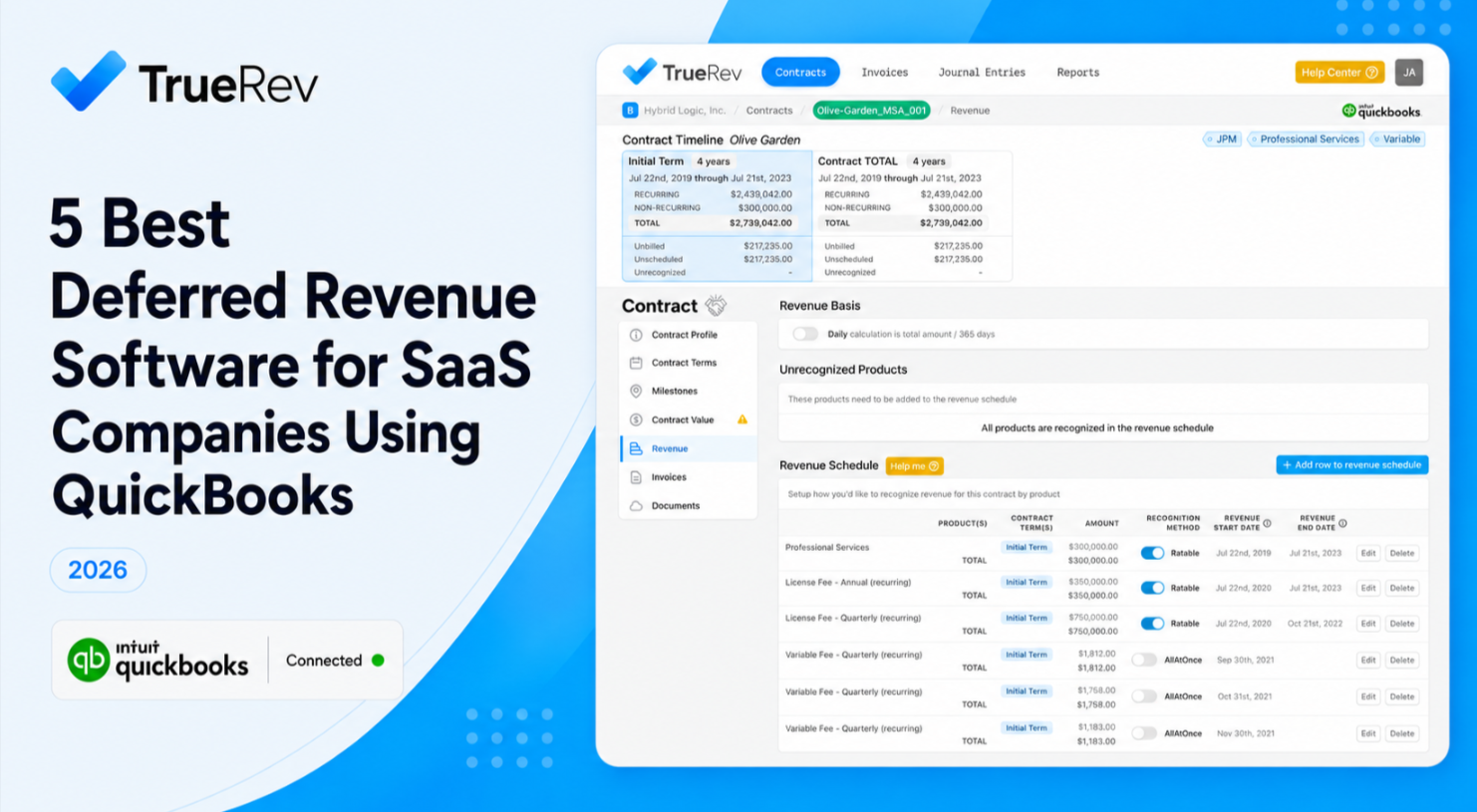
Each contract becomes a revenue schedule with deferred and recognized amounts, updated when the contract changes.
Close the month
Review and post revenue journal entries to QuickBooks Online, then report ARR, MRR and churn.
QuickBooks Online plus spreadsheets vs QuickBooks Online plus TrueRev
Both keep QuickBooks as your general ledger. The difference is where SaaS revenue work happens.
| Task | QuickBooks Online + spreadsheets | QuickBooks Online + TrueRev |
|---|---|---|
| Revenue schedules | Built and updated by hand in spreadsheets | Created from each contract |
| Deferred revenue | Manual monthly journal entries | Tracked on the schedule; journal entries posted to QuickBooks |
| Upgrades, renewals and cancellations | Recalculate formulas for each change | Recorded as contract events that update the schedule |
| ARR and MRR | Separate spreadsheet or BI tool | Reported from the same contract data |
| General ledger | QuickBooks Online | QuickBooks Online (unchanged) |
QuickBooks Online integration questions
Does TrueRev replace QuickBooks Online?
No. QuickBooks Online stays your general ledger. TrueRev adds revenue schedules, deferred revenue tracking, revenue journal entries and SaaS metrics on top of it.
What data moves between TrueRev and QuickBooks Online?
TrueRev reads customers, invoices and your chart of accounts from QuickBooks Online. It sends revenue journal entries and scheduled invoices back to QuickBooks.
How long does it take to connect QuickBooks Online?
Connecting your QuickBooks Online company takes minutes. Loading your contracts and reviewing your first revenue schedules depends on how many contracts you have. We walk through it with you in the demo.
Can I get ARR and MRR reports from my QuickBooks data?
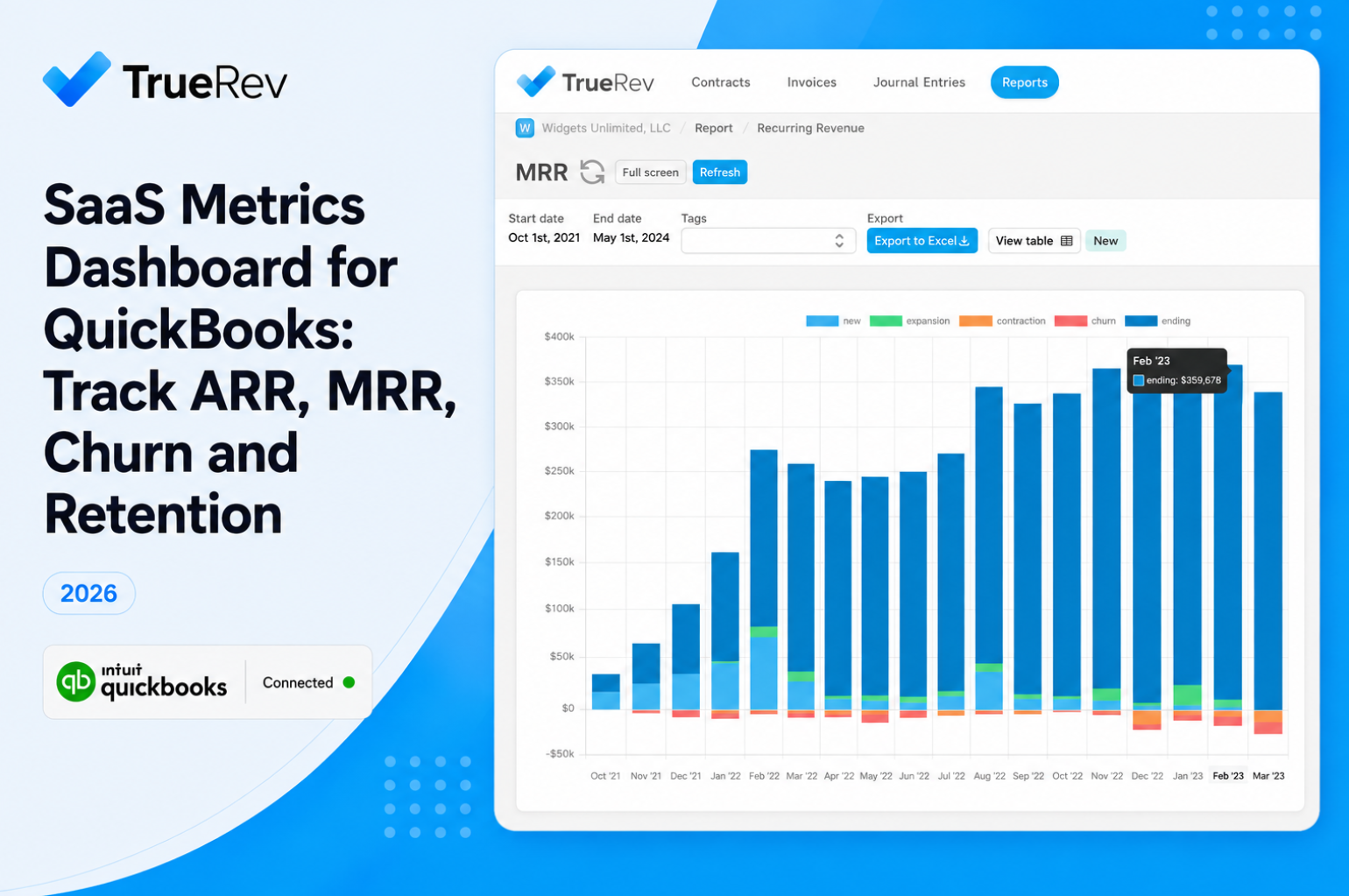
Yes. TrueRev calculates ARR, MRR, bookings and churn from your contracts and QuickBooks Online data, so you don't need a separate spreadsheet for SaaS metrics.
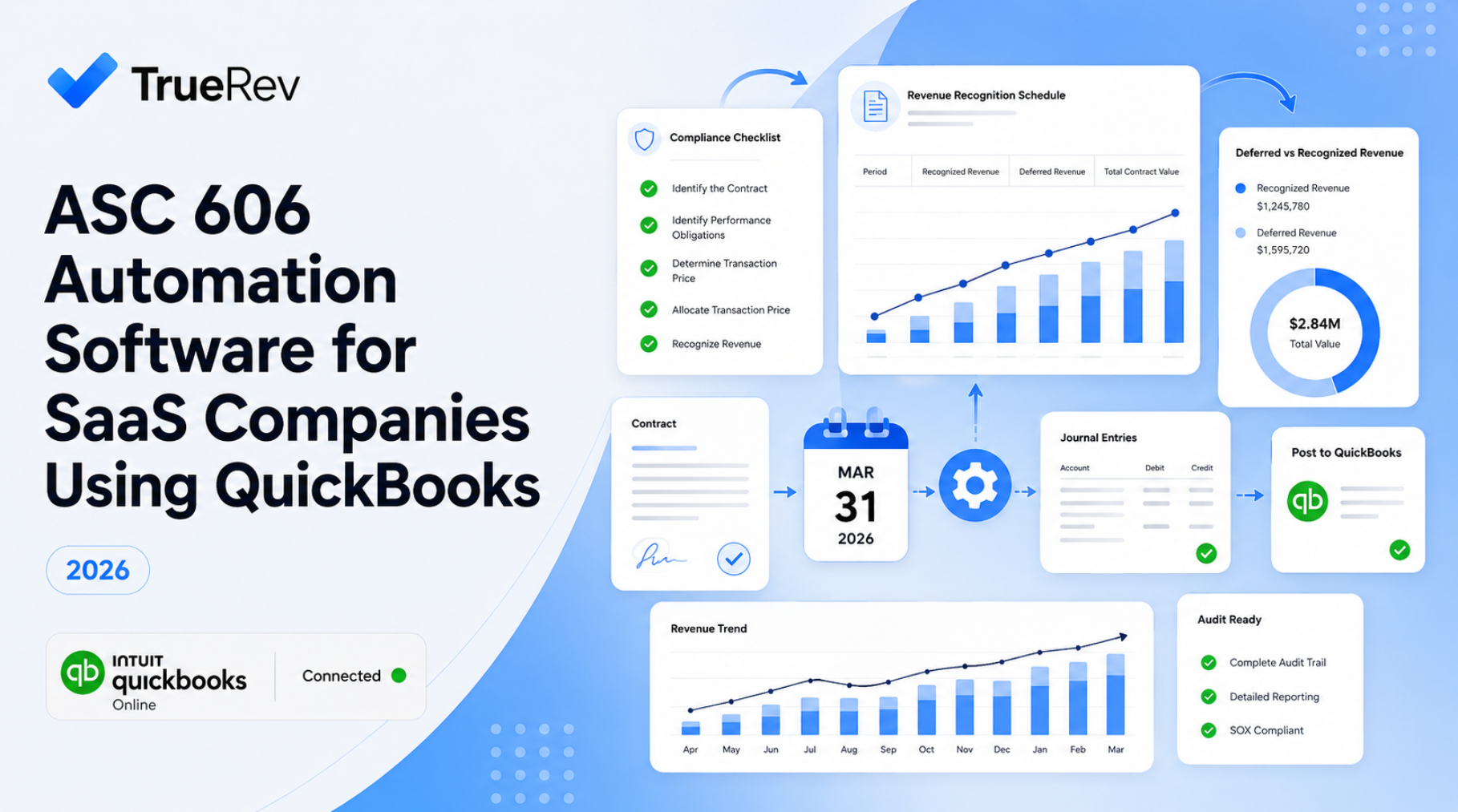
Does TrueRev support ASC 606 revenue recognition?
TrueRev builds contract-based revenue schedules designed to support ASC 606. Your accountant or auditor still reviews your revenue policy and final numbers.
Features
Move your revenue schedules off of Exceland eliminate multiple spreadsheets, manualerrors and version control.
Simply account for your monthly revenue and the deferred balance.
Keep track of all agreements even in a fast paced SaaS environment.
Move your revenue schedules off of Excel and eliminate multiple spreadsheets, manual errors and version control. Stay compliant with ASC 606.
Generate subscription metrics in minutes instead of days (MRR/ARR, Bookings, Churn, Cash-flow).
New deals, upgrades, cancellations, expansion - all tracked easily and accurately.
From the blog
Finance operations & revenue management articles, tips, tools, andcase studies.

Want to see a demo?
we offer a 14-day free trial.